




An image viewer and cataloger
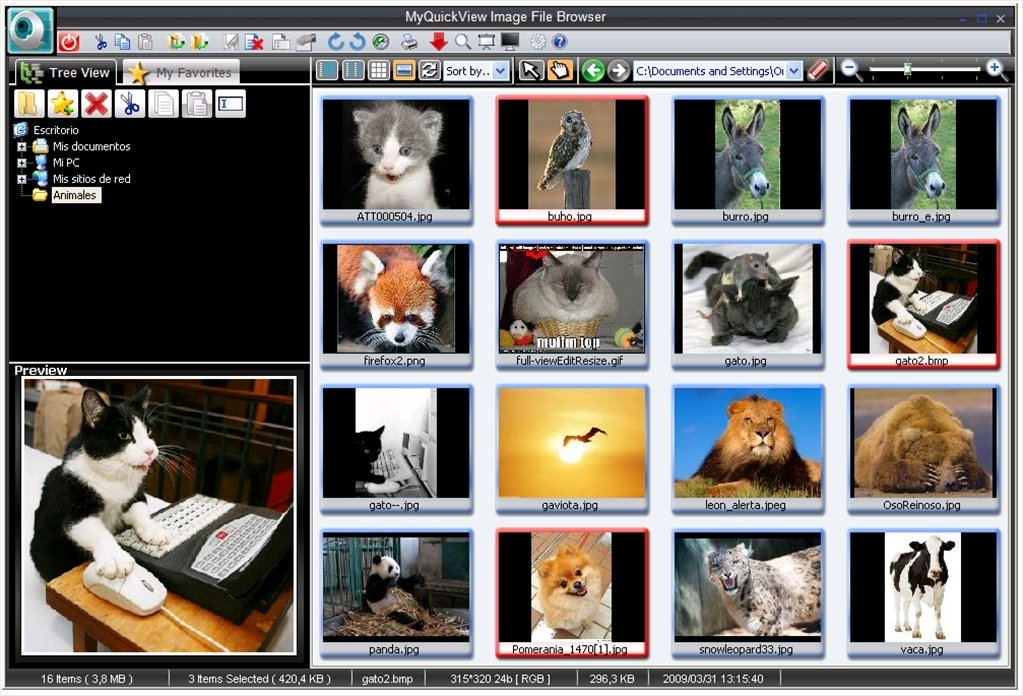
You can organize your digital photograph collection with MyQuickView. It is an image viewer and cataloger that will maintain your files harmonized, allowing you to browse them very easily and manage them efficiently.
Features
- Process images in batches to make work more dynamic.
- Print large photos and images on various pages.
- Add watermarks to the files.
- Several viewing modes, including one in full screen. Use the zoom and the rotation options to view the photographs orientated properly and in more detail.
- Integrated image browser with various organization formats and four different viewing modes.
Simple integrated editor to improve your photos
The program has simple image editing options that allow you to carry out basic enhancements, like adjusting the color or cropping its size, blurring the image, reliefs... These features aren't so advanced as those of the major programs on the market, but more than enough for an application dedicated to photo visualization and cataloging.
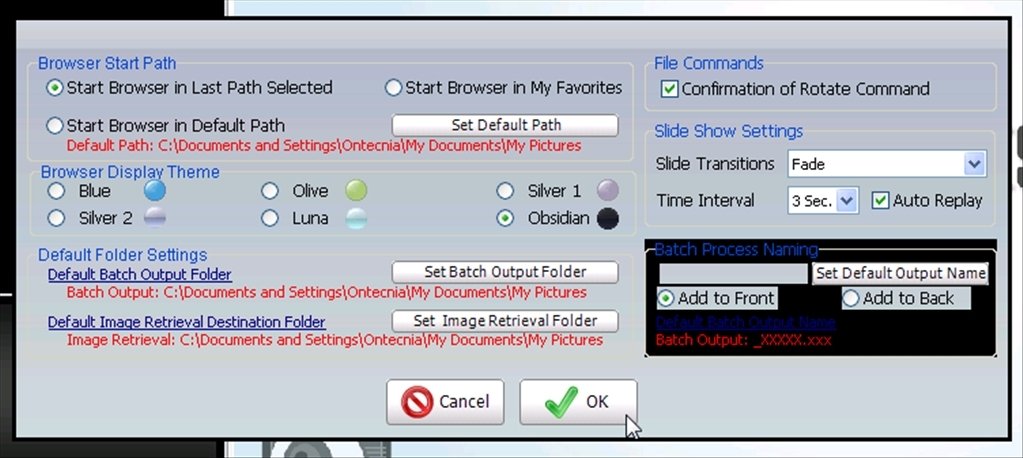
The interface of MyQuickView isn't especially appealing but it achieves its purpose, even though from the configuration you will be able to customize certain elements with different colors.
Downloading MyQuickView is a good way of maintaining your digital photographs in order and in perfect condition.
Requirements and additional information:
- The trial version has limited functions.
 Héctor Hernández
As a technology journalist with over 12 years of experience in the world of software and apps, I have had the opportunity to try all kinds of devices and operating systems over the years. I have done from software or mobile applications reviews...

Antony Peel